Your guests
Before BloxomGuests order through a generic listing or a separate app.
With BloxomGuests find your menu and place an order in your restaurant’s own app.
Built for a fast-moving counter
Let guests order ahead or at a kiosk, give the kitchen a clear ticket view, and keep the menu boards current. Connect the tools that support the trip from order to pickup.
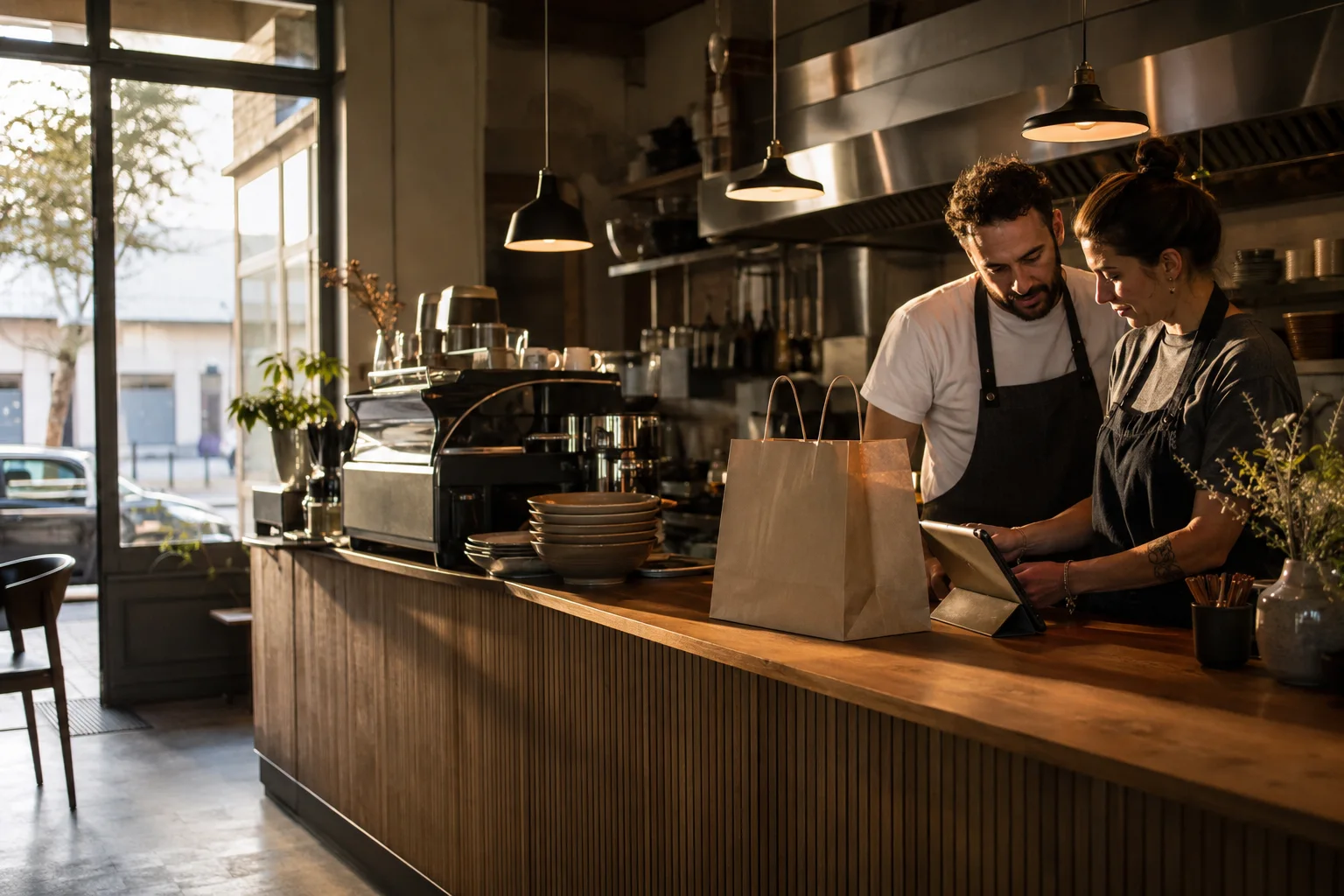
Before and after Bloxom
Before BloxomGuests order through a generic listing or a separate app.
With BloxomGuests find your menu and place an order in your restaurant’s own app.
Before BloxomMenu edits, tickets, and device checks span separate tools.
With BloxomConnected ordering and kitchen tools share a restaurant workspace.
Before BloxomSeparate subscriptions make the full software bill hard to see.
With BloxomOne published Bloxom location price. Compare the tools you can replace.
Less repeated work
Give guests additional supported ways to order.
Keep active work visible behind the counter.
Connect customer-facing displays to the menu operation.
Keep the room’s music within the broader workspace.
How it works
Let guests use the supported ordering path that fits the service model.
Move connected order activity into a clearer kitchen workflow.
Support a smoother path from preparation to pickup.
One plan for your location
Branded ordering, KDS, Kiosk, Voice, CafePlayer, Digital Signage, and Brand Studio. Roll out what you need, when your team is ready.
$399 / location / month
Compare your current billHardware, payment processing, communications, licensed content, and generation overages are separate. Review product allowances and any usage charges during setup. See full pricing ↗
Your next chapter
See a Bloxom setup shaped around your service flow.
Compare your costs