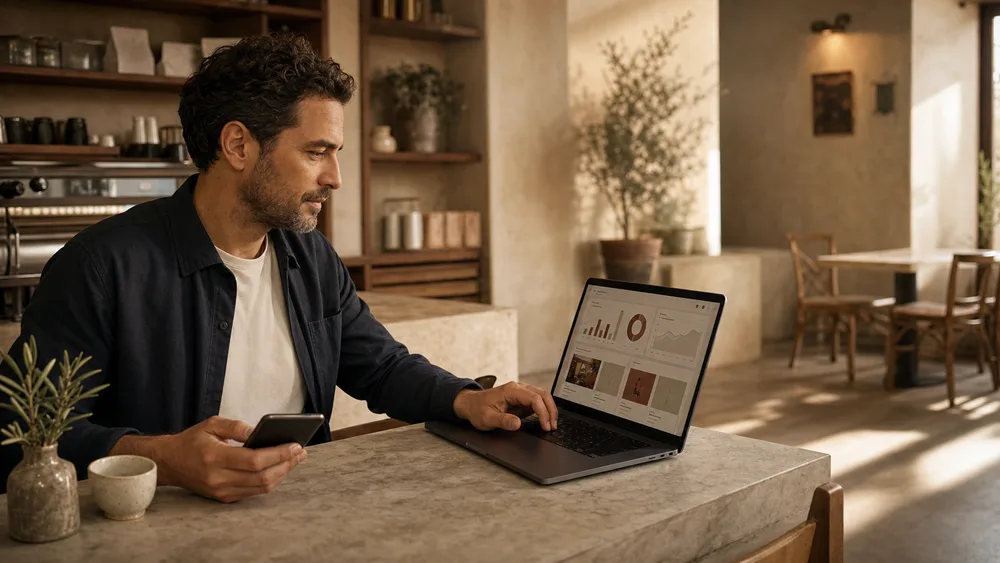
Menu changes
Before BloxomPrices are retyped into a separate board editor.
With BloxomBuild displays from connected catalog content.
Customer-facing menu screens
Build customer-facing menu screens from connected catalog content. Pair displays, arrange categories and items, and manage layouts from the Bloxom dashboard.
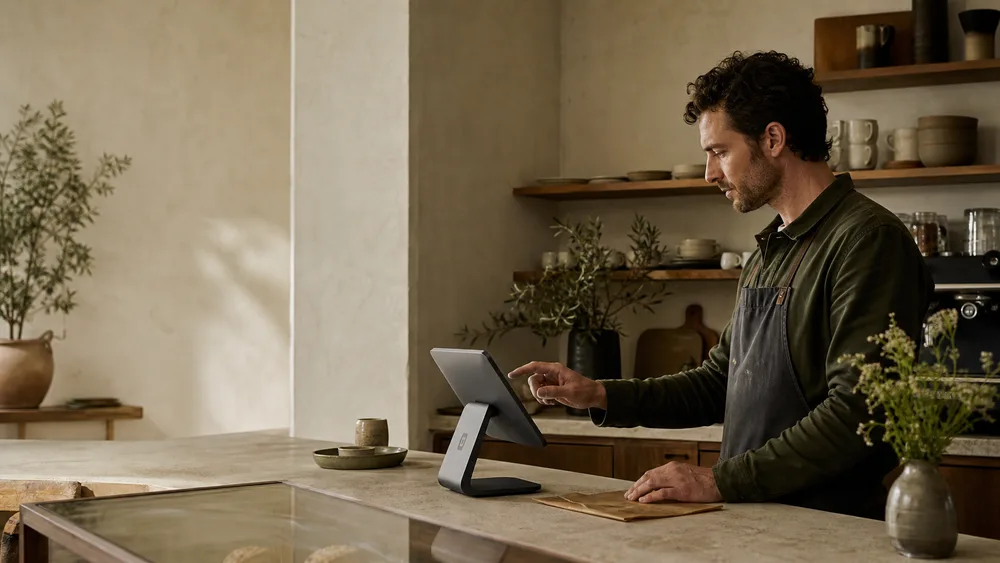
Before and after Bloxom
Before BloxomPrices are retyped into a separate board editor.
With BloxomBuild displays from connected catalog content.
Before BloxomEach screen becomes another thing to check.
With BloxomManage paired players and layouts from the dashboard.
Less repeated work
Connect a display without managing its menu locally.
Create customer-facing arrangements for supported catalog content.
Choose which parts of the menu appear on each board.
Manage signage alongside the restaurant’s other Bloxom products.
How it works
Connect a customer-facing display to its restaurant configuration.
Arrange supported menu categories and items for the screen.
Keep screen content connected to the menu workflow managed through Bloxom.
One plan for your location
Branded ordering, KDS, Kiosk, Voice, CafePlayer, Digital Signage, and Brand Studio. Roll out what you need, when your team is ready.
$399 / location / month
Compare your current billHardware, payment processing, communications, licensed content, and generation overages are separate. Review product allowances and any usage charges during setup. See full pricing ↗
Your next chapter
See how Digital Signage can simplify your menu-board workflow.
Compare your costs