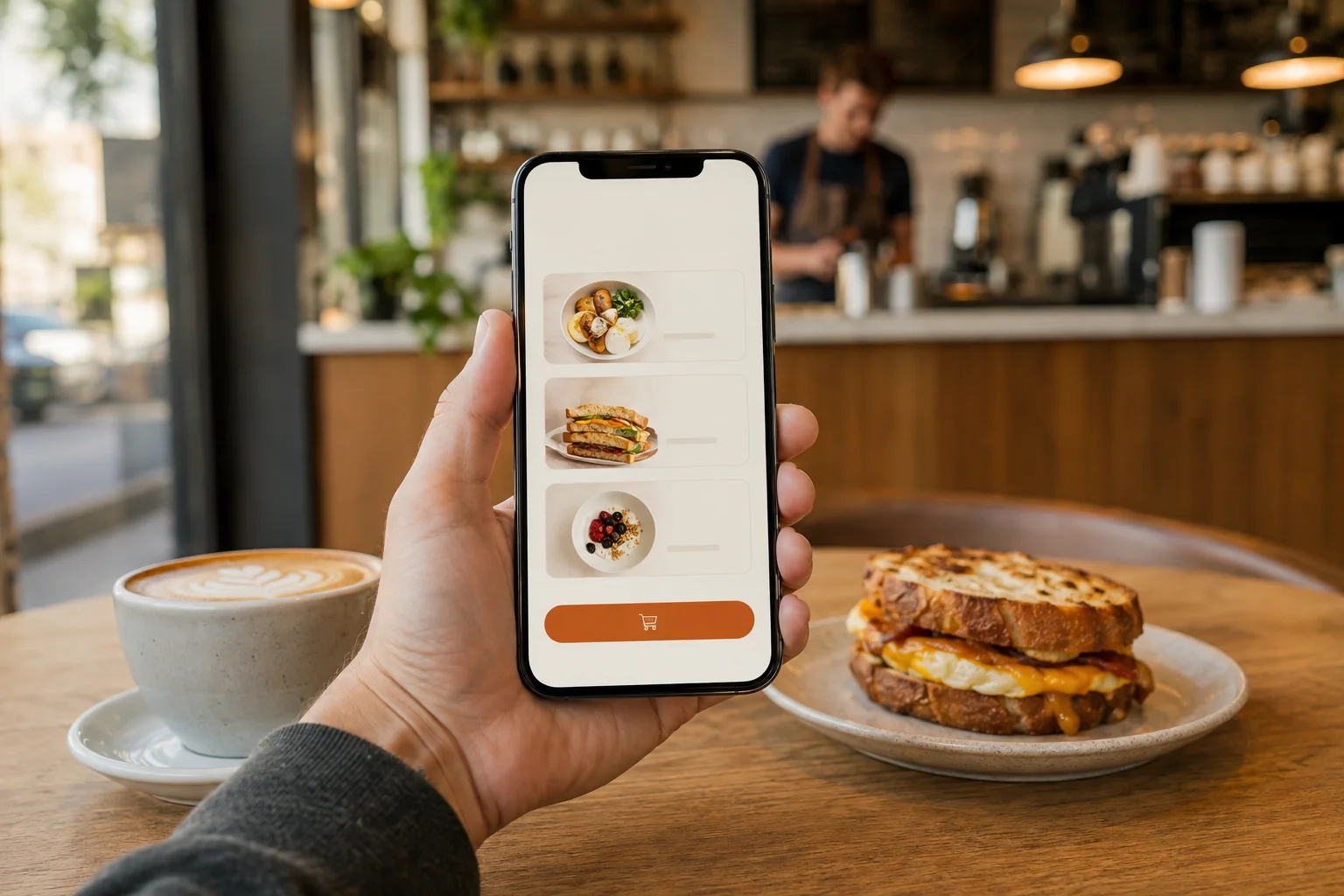
Incoming orders
Before BloxomTickets arrive in separate places.
With BloxomBring connected order activity into a live kitchen board.
Kitchen operations
See incoming tickets, route items to the right kitchen display, and follow progress on a live board. Give the team a shared view of the work ahead.
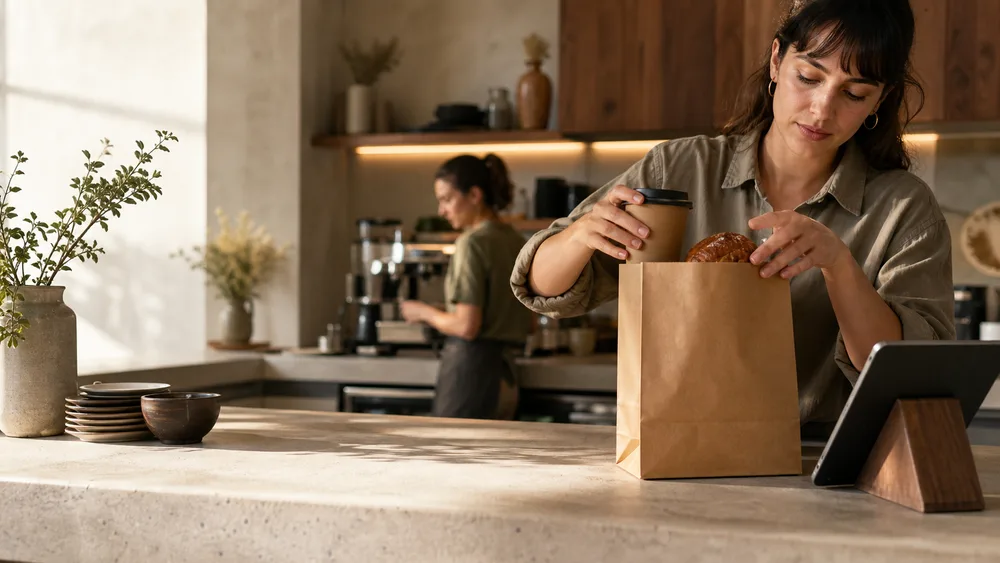
Before and after Bloxom
Before BloxomTickets arrive in separate places.
With BloxomBring connected order activity into a live kitchen board.
Before BloxomStaff sort tickets and call out the next task.
With BloxomUse routing rules to direct items to kitchen displays.
Before BloxomThe next handoff depends on another question.
With BloxomKeep ticket progress visible to the team.
Less repeated work
Keep active order work visible to the team.
Organize how relevant items move to kitchen displays.
Configure the screens supporting the kitchen workflow.
Manage supported print behavior alongside the KDS setup.
How it works
Bring connected Square order data into the restaurant’s shared order source.
Apply kitchen routing and display configuration to direct the work.
Use the live board to progress tickets through the kitchen workflow.
One plan for your location
Branded ordering, KDS, Kiosk, Voice, CafePlayer, Digital Signage, and Brand Studio. Roll out what you need, when your team is ready.
$399 / location / month
Compare your current billHardware, payment processing, communications, licensed content, and generation overages are separate. Review product allowances and any usage charges during setup. See full pricing ↗
Your next chapter
See how KDS connects the order journey from intake to handoff.
Compare your costs