At the counter
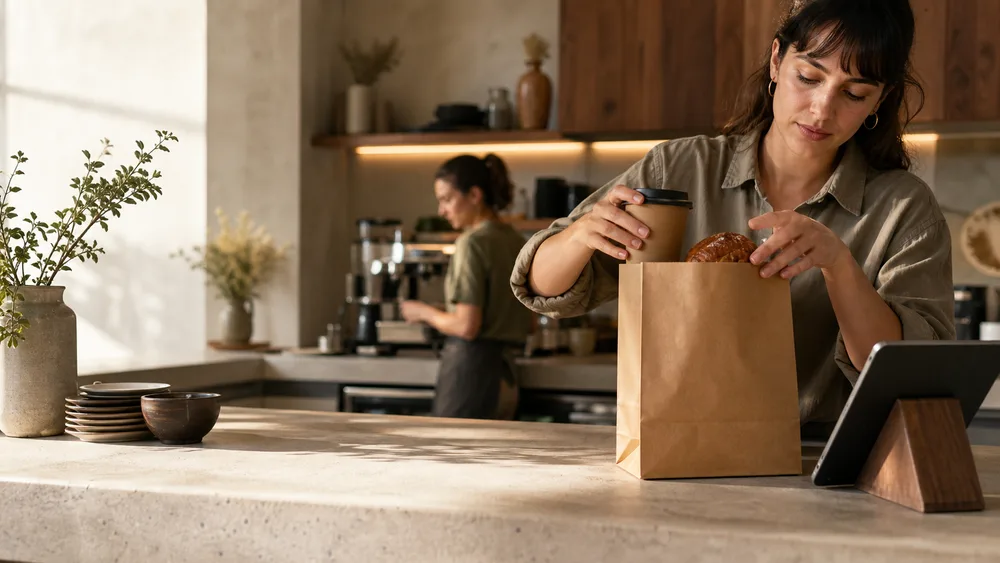
Before BloxomStaff take every order while the line builds.
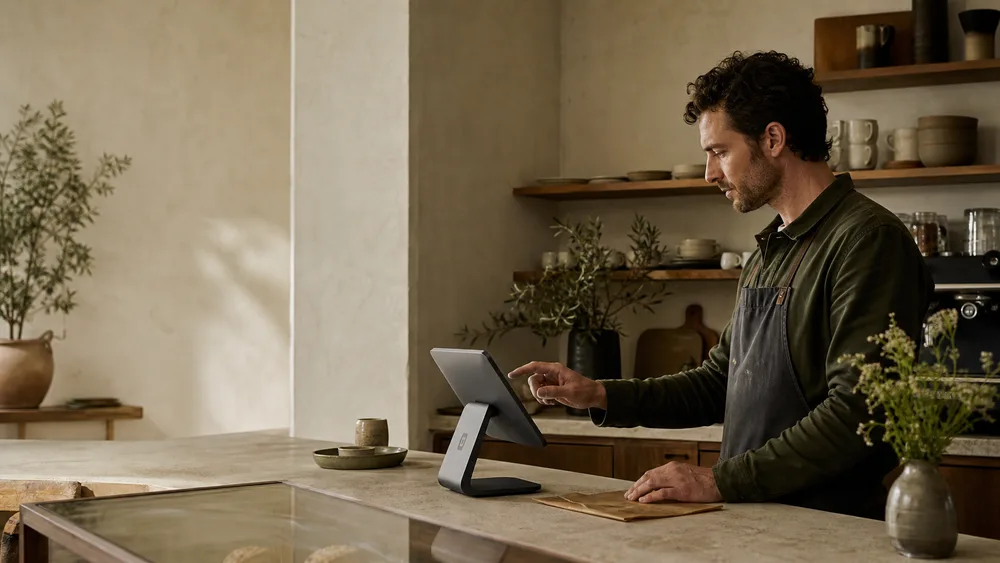
With BloxomGuests browse and place their own orders on an iPad kiosk.
Self-ordering
Give the line another way to move with iPad self-ordering. Guests choose their items and modifiers while staff prepare orders and help the people who need them.

Before and after Bloxom
Before BloxomStaff take every order while the line builds.
With BloxomGuests browse and place their own orders on an iPad kiosk.
Before BloxomA manager walks over to check each device.
With BloxomSee connection and sync status from the dashboard.
Before BloxomIdle screens do nothing for your restaurant.
With BloxomShow branded welcome content between orders.
Less repeated work
Attach each kiosk to the right restaurant location.
See connection and sync status and manage supported device actions.
Present branded welcome media when a kiosk is idle.
Configure tipping, modifier behavior, prompts, and idle timing.
How it works
Register a kiosk with its location, label, and settings.
Control appearance, attract content, tipping, and ordering behavior.
Review device status and send supported reload or reset commands from the dashboard.
One plan for your location
Branded ordering, KDS, Kiosk, Voice, CafePlayer, Digital Signage, and Brand Studio. Roll out what you need, when your team is ready.
$399 / location / month
Compare your current billHardware, payment processing, communications, licensed content, and generation overages are separate. Review product allowances and any usage charges during setup. See full pricing ↗
Your next chapter
Walk through a kiosk setup for your counter and locations.
Compare your costs